
Your Bitaxe Dashboard, Explained: Hashrate Error, Stale Shares, and When to Actually Worry
Every number on the AxeOS dashboard, decoded. What hashrate error % actually measures, why your shares go stale, what the temperature readings mean at ASIC vs VR, and the seven things most Aussie Bitaxers panic about that are actually fine.
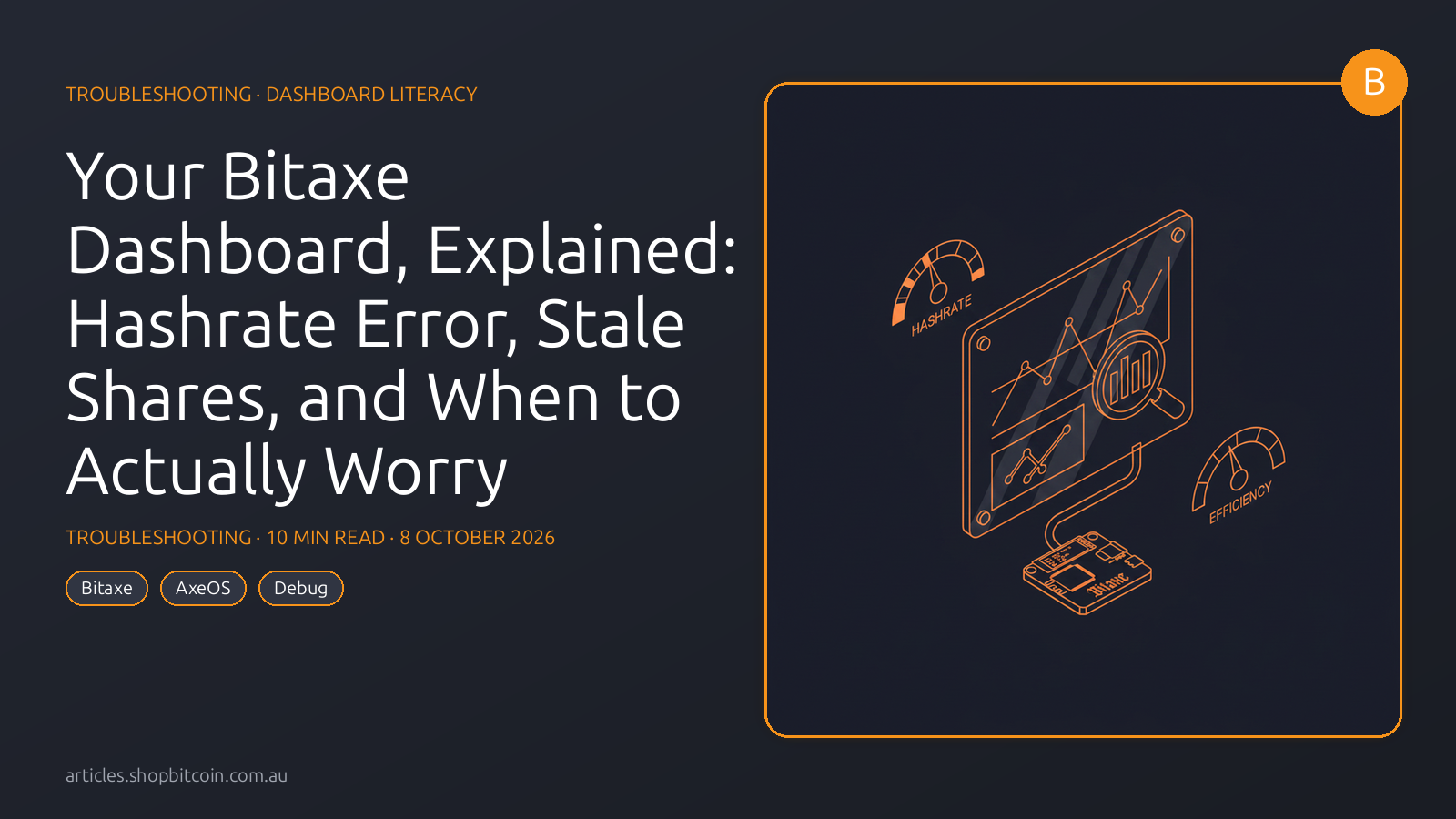
The AxeOS dashboard throws twelve numbers at you before you’ve finished your morning coffee.
Most first-time Bitaxers look at it once, see that “Hashrate Error %” isn’t zero, and immediately wonder if they’ve been scammed. Most of the time: they haven’t. The dashboard just speaks a different language than the marketing page did.
This piece is a field guide to every number on your dashboard. What each one measures. What normal looks like. When to actually worry. And — because we hear this every week — the seven non-problems Aussie Bitaxers consistently panic about.
The panel tour
A Bitaxe dashboard may show some or all of the following fields. Labels and calculations vary by board and ESP-Miner release, so treat this as an annotated example rather than an exact screenshot of the current UI:
────────────────────────────────────────────
 HASHRATE           1.18 TH/s
 EXPECTED           1.20 TH/s
 EFFICIENCY         14.2 J/TH
 BEST DIFFICULTY    1.18 G
 ────────────────────────
 TEMPERATURE (ASIC) 58 °C
 TEMPERATURE (VR)   72 °C
 POWER              17.1 W
 VOLTAGE            5.03 V (input) · 1.24 V (core)
 ────────────────────────
 FREQUENCY          525 MHz
 FAN                87% (5400 RPM)
 ────────────────────────
 SHARES ACCEPTED    42,891
 SHARES REJECTED    18
 SHARES STALE       112
 HASHRATE ERROR %   1.7%
 UPTIME             12 d 4 h
────────────────────────────────────────────
Let’s walk through it.
Hashrate metrics
HASHRATE (measured)
What it is: an estimate of the rate at which the device is hashing. The data source and averaging window have changed across ESP-Miner releases; use the label/tooltips in your installed version and compare a long window with the pool-side reading.
Normal: 1.0–1.3 TH/s for a stock Bitaxe Gamma. 0.45–0.55 TH/s for a Bitaxe Ultra. 4.2–4.9 TH/s for a NerdQaxe++.
Concerning: consistently 15%+ below the expected hashrate. Check in this order: (1) fan curve, (2) PSU voltage under load, (3) overclock settings, (4) firmware version.
EXPECTED HASHRATE
What it is: the theoretical hashrate if every cycle produced a hash. Calculated from frequency × chip_count × cores_per_chip.
If you see Expected = 1.20 TH/s and Measured = 1.18 TH/s, compare a longer sample before diagnosing a fault. Short-window hashrate estimates vary naturally, while hardware error and dropped work can also create a persistent gap.
Concerning: Expected = 1.50 TH/s but Measured = 1.20 TH/s. Means you’ve pushed frequency up in the overclock settings but the chip can’t actually deliver that in practice — hashrate error will be huge. Back off the overclock.
HASHRATE ERROR % — the big one
What it actually measures: the percentage of hash cycles the chip attempted that didn’t produce a valid result. It’s a hardware-level metric, read from the ASIC’s internal counters. It has nothing to do with pool share acceptance.
A perfect chip running inside its stable envelope: 0%.
A chip pushed past stable voltage/frequency: 3-10%. Each failed hash cycle is wasted power — you’re drawing wattage without the hashrate to show for it.
Normal: 0-3%. Most stock Bitaxes sit around 0.5-2%.
Concerning: 5%+ sustained. Diagnostic path:
- Roll back overclock. If you’ve touched the frequency or voltage sliders, return them to stock (490 MHz / 1.20 V for Gamma) and let it run for 30 minutes. If error drops to 1-2%, your overclock is the cause — dial back.
- Check PSU voltage under load. A cheap or marginal PSU sagging from 5.0 V to 4.8 V under load causes hashrate errors. Known-good PSUs (the Mean Well 5V/6A Aussie-plug unit we ship, the official Bitaxe PSU) don’t do this. Random 5 V bricks from Jaycar or Bunnings often do.
- Check cooling. A too-hot ASIC starts missing cycles before it thermal-throttles. Make sure the fan is spinning. Check VR temp (not ASIC) — if VR is 85°C+, improve airflow.
- Check firmware. A known-bad AxeOS build can cause elevated error. See our firmware tracker for release-by-release notes.
Why people panic about this: the marketing page said “1.2 TH/s” and the dashboard says “hashrate error 1.7%” and the natural assumption is “I’m getting 1.7% less hashrate than advertised.” Not quite. You’re getting 1.7% wasted hash cycles, which translates to about 1.7% hashrate reduction relative to a perfect chip. Bitaxe Gamma chips vary — some silicon lottery winners error at 0.3%, some error at 2.5%. The spec is for average silicon.
EFFICIENCY (J/TH)
What it is: Joules of electricity per Terahash of work. power ÷ hashrate. Lower is better.
Normal: 14-17 J/TH for stock Bitaxe Gamma. 22-28 J/TH for Bitaxe Ultra. 15-18 J/TH for NerdQaxe++.
Concerning: 20 J/TH+ on a Gamma — means either the overclock is pumping extra voltage without commensurate hashrate, or the PSU is delivering more than 5 V, or cooling is marginal and chips are drawing more current.
BEST DIFFICULTY
What it is: the highest-difficulty share your miner has found for the period retained by the firmware. Compare it with the network difficulty for the corresponding mining job. The network difficulty was about 126.2 trillion in our 1 August 2026 snapshot; it changes roughly every 2,016 blocks.
There is no useful “normal” best difficulty over a short period: it is an extreme-value statistic driven by chance. A G (giga, 10^9) is still far below a T (tera, 10^12), and the value has no direct bearing on whether the miner is otherwise healthy.
Concerning: nothing. This number only goes up and has no performance implication.
Temperature metrics
TEMPERATURE (ASIC)
What it is: the die temperature of the hashing chip, read from the on-die sensor.
Normal: 50-65°C on a properly-cooled Bitaxe Gamma in an Aussie room (20-25°C ambient).
Concerning: 70°C+. At 75°C the chip begins thermal-throttling (frequency reduction to maintain safe temperature). At 85°C it will shut down.
Aussie-specific heads-up: in a poorly-ventilated spare room in Perth or Brisbane in February, ambient can hit 35°C. ASIC temps will rise proportionally. If you see mid-70s ASIC in summer, either move the miner to a cooler room or improve the airflow path to the heatsink.
TEMPERATURE (VR)
What it is: the temperature of the voltage regulator that steps the 5 V input down to the 1.2 V core voltage. The VR is a small power-handling component that gets hotter than the ASIC by design.
Normal: 65-80°C. The VR is expected to run 10-20°C hotter than the ASIC.
Concerning: 85°C+. Usually means the fan isn’t moving enough air across the VR, or the VR heatsink isn’t making good contact. Check: fan RPM (is it actually spinning?), that you haven’t accidentally blocked the intake, and — if thermal paste came loose — consider a reapplication.
This is the single biggest source of dashboard panic. “Help, my Bitaxe is at 72°C!” is almost always the VR temperature, which is fine.
Power and voltage
POWER
What it is: total wattage the miner is drawing from the PSU, measured at the input.
Normal: 15-18 W for Bitaxe Gamma stock. 10-14 W for Ultra. 65-85 W for NerdQaxe++.
Concerning: 25 W+ on a Gamma. Means voltage is too high or the overclock is way off.
VOLTAGE (INPUT)
What it is: the voltage at your PSU output, as measured by the Bitaxe. Should be 5.00 ± 0.05 V.
Normal: 4.95-5.05 V.
Concerning: below 4.90 V indicates PSU sag. Above 5.10 V indicates a PSU out of spec (rare but possible with cheap units). Both cause hashrate instability.
VOLTAGE (CORE)
What it is: the stepped-down voltage feeding the ASIC core. Controlled via the AxeOS UI (settings → voltage).
Normal: 1.18-1.25 V for stock Gamma. Higher = more hashrate at the cost of efficiency (and heat).
Concerning: anything above 1.30 V without cooling mods. You’re burning efficiency and accelerating chip wear.
Frequency and fan
FREQUENCY
What it is: ASIC clock speed in MHz. Stock is 490 MHz for Gamma. Push it up for more hashrate; push it down for better efficiency.
Normal: 480-560 MHz range is the common hobbyist overclock band.
Tuning: small iterative steps. +10 MHz, wait 10 minutes, watch hashrate error %. If error climbs, back off. The stable ceiling is silicon-lottery dependent — some chips top out at 510 MHz, others go to 580+.
FAN
What it is: current fan PWM duty cycle (0-100%) and measured RPM.
Normal: auto mode has the fan modulating with temperature — typically 40-80% under normal load, rising toward 100% only if things get hot. You can force it to 100% in settings (quieter chip, louder fan).
Concerning: fan showing 100% PWM but 0 RPM means the fan has failed. Replace it. They’re a few dollars. Don’t run without a fan — you’ll kill the ASIC in minutes.
Share metrics (the pool side)
SHARES ACCEPTED
What it is: the running count of shares the pool has accepted from you during this session. Each accepted share is a valid work proof below the pool’s difficulty target.
Normal: scales with hashrate, uptime and the difficulty assigned by the pool. Do not compare raw share counts between pools unless the assigned share difficulty and time window are the same.
SHARES REJECTED
What it is: shares submitted that the pool refused. Could be: wrong difficulty (firmware bug), duplicate (network glitch), malformed (protocol issue), or low-difficulty (chip produced invalid work).
Normal: 0-0.5% of accepted shares. Most days, 0.
Concerning: 1%+ rejected. Diagnostic steps:
- Check firmware version — some AxeOS builds had protocol bugs (see firmware tracker).
- Check pool choice — some pool endpoints reject shares more aggressively than others.
- Check network stability — flaky Wi-Fi can corrupt share submissions.
SHARES STALE
What it is: shares you submitted but which arrived too late — the pool had already moved to a new block template when your share showed up.
Normal: there is no universal percentage. Stale handling and labels vary by pool, while latency, reconnects and new-block timing all affect the result. Establish a multi-day baseline on the same pool and investigate a material change. See our pool comparison piece for a verification checklist.
Concerning: 5%+ stale. Usually means Wi-Fi dropping packets (move to ethernet) or a flaky upstream ISP connection.
Stale ≠ rejected. Stale shares don’t earn you money on most payout schemes, but they don’t count against you either. Consistent stale is an infrastructure problem, not a miner problem.
The seven non-problems
Here are the things Aussie Bitaxers panic about in our DMs that are, almost always, not problems.
1. “My hashrate error is 2%!”
Normal. Stock Bitaxe Gamma silicon errors at 0.5–2.5% without overclock. It’s a hardware property, not a fault.
2. “My temperature is 72°C!”
That’s the VR, not the ASIC. Normal. The ASIC is probably at 58–62°C, which is fine.
3. “Measured hashrate is less than expected!”
A small short-window gap can be statistical noise or a difference in the firmware’s data source. Compare a longer interval with pool-side hashrate before treating the gap as a fault.
4. “I have stale shares!”
An occasional stale share does not by itself prove a miner fault. Compare the pool’s definition and your multi-day baseline before changing hardware settings.
5. “My fan is at 100%!”
Fan ramps on a curve. Under overclock or in summer heat, 100% is the correct automatic response. If it’s genuinely noisy, either (a) undervolt/underclock, (b) improve case airflow, or (c) accept the noise as the cost of the hashrate.
6. “My best difficulty is only 50 M!”
Best difficulty is luck-driven and does not climb on a schedule. At the 1 August 2026 network snapshot, 50 M was roughly 2.5 million times below network difficulty. See the dated probability calculation in our economics article.
7. “I’ve been running for a week and found no block!”
Right. See point 6. At 1.2 TH/s against the 1 August 2026 network snapshot, the simple expected waiting time was roughly 14,300 years. That is an average of a probability distribution, not a countdown. If you want predictable rewards, compare pooled options in our pool comparison.
The actual things to worry about
To balance the list — if you see any of these, investigate:
- Hashrate error % > 5% sustained → overclock too aggressive, or PSU marginal.
- ASIC temperature > 75°C → cooling problem. Check fan, airflow, thermal paste.
- VR temperature > 85°C → serious cooling problem. Stop miner and investigate.
- Rejected shares > 1% → firmware bug or network problem.
- Input voltage < 4.90 V under load → replace PSU.
- Measured hashrate < 80% of expected → major problem. Check all of the above.
- Fan PWM 100% with 0 RPM → fan failed. Replace before continuing to mine.
AU-specific debugging angles
A few things we’ve seen in Australian Bitaxe setups that aren’t called out in the North American community material:
Brownouts and dirty power. The Aussie 230 V mains is generally clean, but 5 V USB PSUs don’t all handle voltage sags gracefully. Rural NSW, parts of Queensland, and inland Victoria have periodic mains dips during summer aircon load; cheap 5V/6A bricks sag badly during those. Symptom: intermittent hashrate error spikes correlated with afternoon high-consumption periods. Fix: Mean Well or the genuine Bitaxe-spec PSU (we stock both).
Summer thermals. Stock Bitaxe cooling assumes ~22°C ambient. In a Perth garage in February at 38°C, add 15°C to every temperature on the dashboard. Plan for it. Either move the miner to an air-conditioned space or put an extra fan on the case.
NBN stratum disconnects. If the miner repeatedly reconnects, record timestamps and compare them with router/WAN logs before blaming the pool or firmware. Confirm the current ESP-Miner release in our firmware tracker and test Wi-Fi signal, DNS and the pool’s alternate documented endpoint one change at a time.
Power board strips. Using a switched power strip rated for 10 A total feeding four Bitaxes plus a heater plus a kettle can brown out the strip’s voltage. Each Bitaxe is tiny, but compound loads on a marginal circuit cause weird hashrate drops. Dedicated circuit, or at minimum dedicated power strip with no high-current loads shared.
TL;DR
- Hashrate error 0-3% is normal. It’s not rejected shares.
- VR temperature 65-80°C is normal. It’s hotter than ASIC by design.
- Measured and expected hashrate need a long comparison window. Short samples are noisy.
- Stale shares have several causes. Measure your own network and use the pool’s definition.
- Solo mining not finding a block is the default state. It’s a lottery.
- Worry when: error > 5%, ASIC > 75°C, rejected > 1%, voltage < 4.90 V.
- Read the VR temperature, not the ASIC temperature, for thermal anxiety.
Your Bitaxe’s dashboard is telling you a lot more about itself than about whether it’s broken. Most of the time, it’s fine.
Dashboard fields vary by board and release. This article was reviewed against the official ESP-Miner v2.14 release history on 1 August 2026; verify labels and limits in your installed version. Firmware tracker here.
Frequently Asked Questions
What is a normal hashrate error percentage on a Bitaxe?
Anywhere from 0% to about 3% is normal for a stock Bitaxe. Above 5% sustained suggests an overclock that's pushed the ASIC past its stable frequency/voltage envelope, a marginal PSU, or a cooling problem. Hashrate error is not the same as rejected shares — it's an internal hardware metric, not a pool-level accounting.
Why is my expected hashrate different from my measured hashrate?
Expected hashrate is calculated from configuration and chip characteristics; measured hashrate is an estimate from observed work. Short-window variance, hardware errors, dropped work and the firmware's selected data source can create a gap. Compare a long window with the pool-side result before diagnosing a fault.
My Bitaxe is running at 75°C — should I worry?
That reading is almost certainly the voltage regulator (VR) temperature, not the ASIC. BM1366/BM1368 ASICs run at 55–65°C in a well-cooled Bitaxe; the VR runs hotter by design. 75°C at the VR is within spec. Worry when you see 85°C+ at the VR, or any temperature above 75°C at the ASIC itself.
What's the difference between stale shares and rejected shares?
Stale shares are valid shares submitted to the pool too late — the pool has already moved to a new block template. Rejected shares are invalid shares (wrong difficulty, duplicate, malformed). Stale happens from latency; rejected happens from firmware bugs or overclock instability. Both reduce your earnings, but the fixes are different.
Keep reading
AxeOS Firmware Tracker: Latest Stable ESP-Miner Release
The current stable AxeOS/ESP-Miner release, what changed, and a source-linked checklist for deciding whether to update your Bitaxe.
Which Pool Should an Aussie Bitaxer Actually Use in 2026?
Solo or pooled? We compare current fees, account requirements and payout models for the pools Australian Bitaxe owners commonly consider.